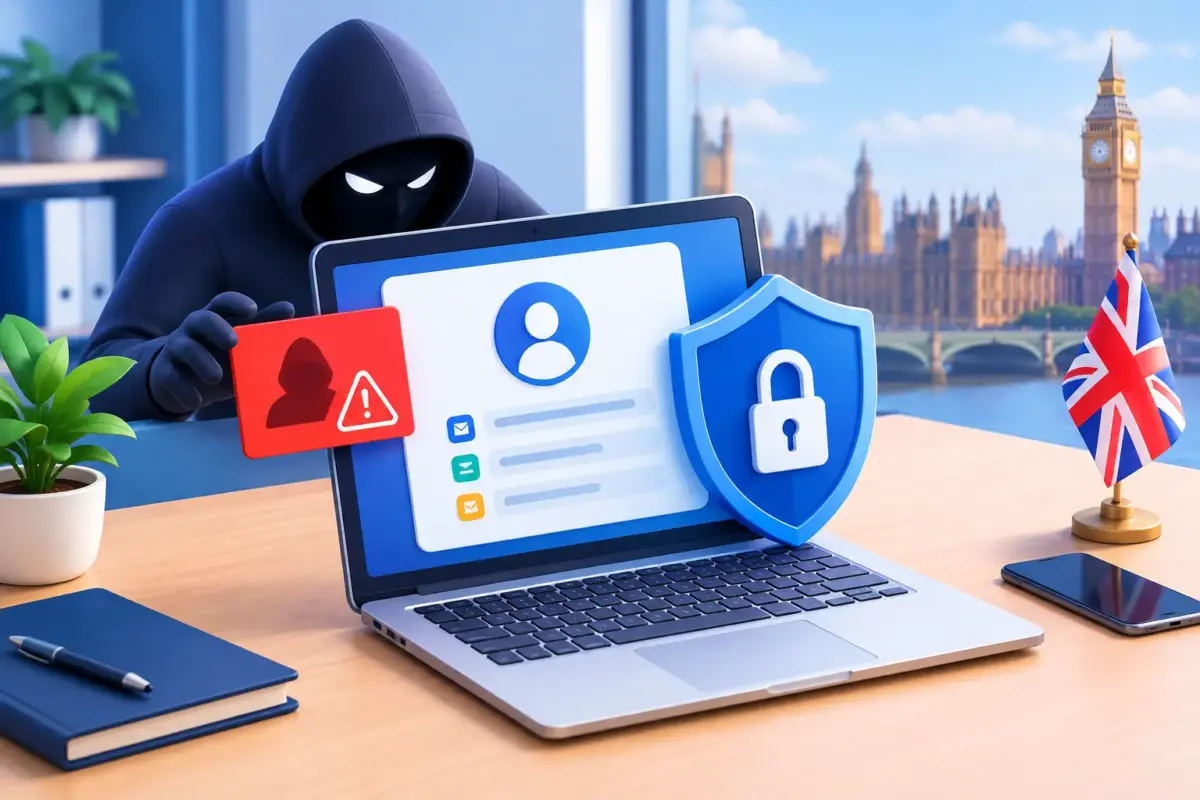
A stolen password rarely looks dramatic at first. A criminal may sign into a Microsoft 365 account, read messages quietly, set up an inbox rule and wait for the right invoice or payment request. Effective account takeover detection gives your business a chance to spot that activity before a compromised account becomes fraud, data loss or a wider ransomware incident.
For UK small and medium-sized businesses, this matters because email, cloud applications and remote access are central to daily work. One account can hold customer information, commercial documents, payment details and the authority to request urgent action from colleagues. Detecting suspicious access early is one less thing to worry about for leaders responsible for continuity, compliance and cash flow.
What an account takeover looks like in practice
An account takeover occurs when someone gains unauthorised access to a legitimate user account. They do not necessarily need to break into your network. More often, they use a password collected through phishing, bought from a criminal marketplace after a third-party breach, or reused from another service.
Attackers are also becoming more adept at getting around basic security habits. A convincing fake Microsoft 365 sign-in page can capture credentials and a one-time code. Repeated multi-factor authentication prompts can pressure a busy employee into approving one by mistake. In more targeted attacks, criminals steal browser session tokens, allowing them to impersonate a logged-in user without entering a password again.
The first signs can be subtle. A user may receive a notification about a sign-in they do not recognise, or a colleague may notice an unusual request from a familiar email address. In other cases, there is no warning until a supplier’s bank details are changed or sensitive files have been copied.
How account takeover detection works
Account takeover detection is not one product or alert. It is the process of comparing normal user activity with activity that does not fit, then giving the right people enough information to investigate and act quickly.
A good approach combines identity controls, endpoint protection, email security and informed staff. Each layer catches something different. Sign-in monitoring may flag an impossible journey between locations or access from an unfamiliar device. Email protection may identify suspicious forwarding rules. Endpoint tools can detect malware or a compromised browser. Staff awareness can bring forward the small details that automated systems cannot always judge.
The goal is not to treat every unusual sign-in as a breach. Employees travel, work from home, replace phones and occasionally need urgent access outside normal hours. The goal is to identify combinations of signals that deserve attention.
Signals worth investigating
The following events do not always prove an account has been taken over, but they should be reviewed in context:
- Sign-ins from an unusual country, network or device, particularly where the user is not travelling.
- Multiple failed sign-in attempts followed by a successful login, or repeated multi-factor authentication prompts.
- New inbox forwarding rules, deleted messages, changes to recovery details or unfamiliar delegated mailbox access.
- Unexpected changes to payment information, supplier bank details or approval workflows.
- Large downloads from cloud storage, unusual file sharing or attempts to access systems outside the employee’s normal role.
For example, a solicitor signing in from a hotel during a planned trip may be entirely legitimate. The same sign-in, followed by a new forwarding rule and a request to amend a client bank account, requires immediate action. Context is what turns an alert into a useful security decision.
Why email accounts are a prime target
Business email compromise is often the commercial outcome of an account takeover. Once inside a genuine mailbox, a criminal can study writing style, invoices, customer relationships and internal approval processes. They may reply to an existing conversation, making a fraudulent request look much more credible than a generic phishing email.
Microsoft 365 is particularly valuable because it brings email, files, Teams conversations and identity together. That is useful for productivity, but it means a compromised account can give an attacker a broad view of the business. Organisations should therefore monitor more than failed password attempts. Mailbox rules, external forwarding, application permissions, file downloads and sign-in patterns all matter.
This is also why a last-minute request to change bank details should never be approved on email alone, even if it comes from a known contact. A simple verification call using an established number can stop a significant loss.
Build detection around the way your business operates
The right level of account takeover detection depends on your risk, the systems you use and how much internal capacity you have. A professional services firm handling confidential client data may need tighter conditional access and detailed audit trails. A logistics business with shift workers, warehouse devices and external partners may need carefully tuned policies so legitimate access is not constantly interrupted.
Start by identifying the accounts that would cause the greatest damage if compromised. This usually includes directors, finance staff, Microsoft 365 administrators, payroll users, people with access to customer data and anyone who can approve payments. These accounts should have strong multi-factor authentication, restricted administrative privileges and closer monitoring.
Next, establish what normal looks like. Which countries do staff work from? Which devices are managed? Who needs access outside business hours? Which third-party applications have access to Microsoft 365 data? Clear answers make alerts more meaningful and reduce unnecessary disruption.
It is tempting to enable every available alert, but that can create alert fatigue. If a small internal team receives dozens of low-value notifications, the important one may be missed. A managed service can be a better fit where there is no dedicated security function, provided responsibilities are clear: who monitors alerts, who contacts staff, and who has authority to disable an account?
The controls that make detection effective
Detection works best alongside preventative controls. Multi-factor authentication remains essential, but it should be set up thoughtfully. Number matching, authentication apps and phishing-resistant methods can reduce the risk of accidental approvals. Where possible, block older sign-in methods that do not support modern authentication.
Conditional access policies can restrict sign-ins based on risk, location, device health and user role. A managed laptop meeting your security standards should be treated differently from an unknown device. That said, policies must be tested against real working patterns, especially for remote teams and staff who need access while travelling.
Endpoint protection is equally relevant. If malware on a device steals browser sessions or passwords, identity controls alone may not be enough. Keeping devices patched, protected and centrally managed gives your business a stronger chance of detecting the cause as well as the suspicious sign-in.
Finally, train people for the decisions they actually make. Staff do not need a technical lecture on identity architecture. They need to know how to report unexpected sign-in prompts, recognise a fake login page, question urgent payment changes and ask for help without embarrassment. Fast reporting is a practical security control.
What to do when an account is compromised
Speed matters, but so does preserving enough evidence to understand what happened. First, disable or block access to the affected account and revoke active sessions. Reset credentials, review multi-factor authentication methods and remove any unfamiliar recovery information. If the account has administrative privileges, check related privileged accounts without delay.
Then investigate what changed. Review sign-in logs, mailbox rules, delegated access, application permissions, file-sharing activity and sent items. Look for other users who may have received the same phishing message or approved suspicious prompts. If payment fraud is possible, contact the bank and affected supplier or customer through a verified channel immediately.
Communication should be calm and practical. Employees need clear instructions, not blame. Depending on the data involved, your business may also need to assess contractual, regulatory and data protection reporting obligations. Keeping an incident record helps demonstrate that the situation was handled responsibly.
Make responsibility clear before an alert arrives
The difficult part of account takeover detection is rarely finding a security setting. It is deciding who owns the response at 7.30am on a busy Monday, when a director cannot access email or finance has spotted a questionable invoice.
Document a short response process, test it and make sure staff know how to reach a real person. For businesses that want expert administration without building an internal security team, MSnet can help bring monitoring, protective controls and staff education into a manageable service. The right arrangement should reduce pressure on your people, not create another complex system for them to run.
A suspicious login may turn out to be a staff member on a train using a new phone. Or it may be the first opportunity to stop a serious incident. Treating both possibilities with prompt, informed attention is how a business protects its people, customers and ability to keep working.