
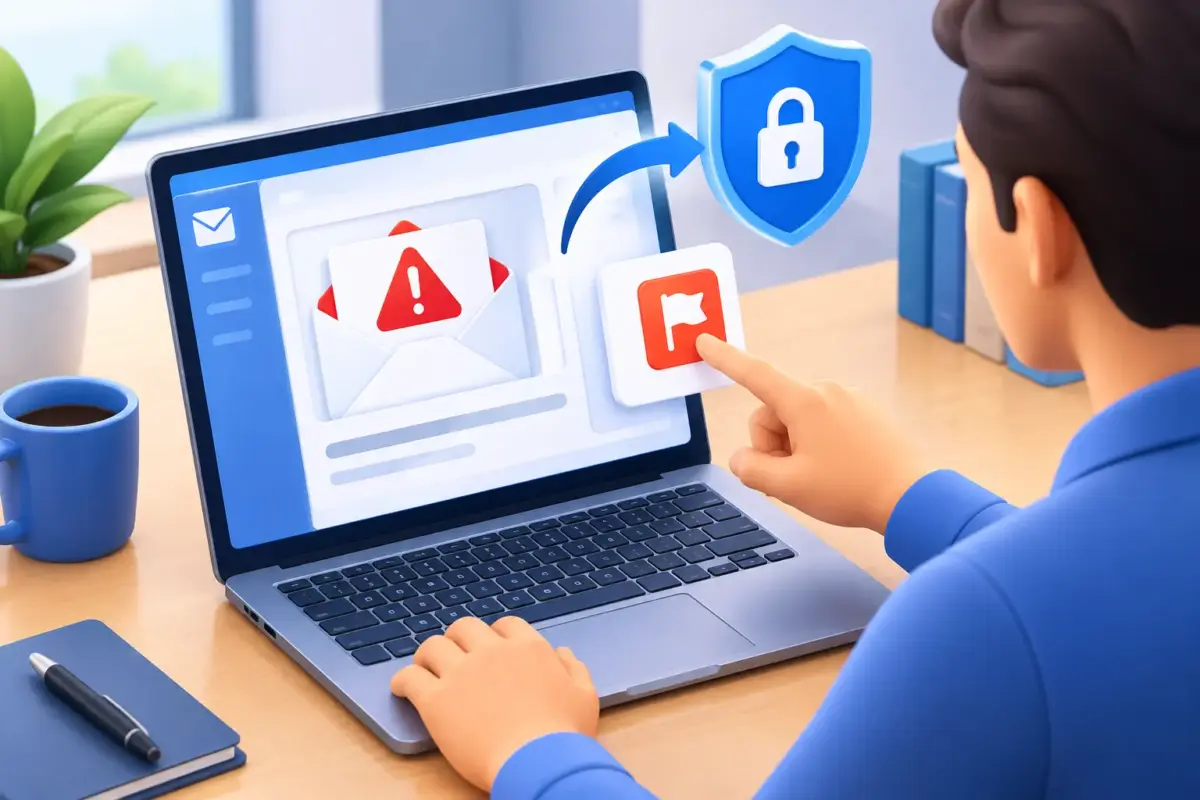
A convincing email can arrive at exactly the wrong moment: just before a payment run, during a busy client deadline, or while a colleague is on holiday. Knowing how to report suspicious emails gives your IT team the chance to stop a wider problem before a rushed click becomes stolen credentials, a fraudulent payment or downtime for the business.
The aim is not to make every member of staff a cybersecurity expert. It is to give people a simple, repeatable response when something does not feel right: do not interact with it, report it through the right route, and let the right people investigate.
Why reporting a suspicious email matters
Many harmful emails do not look obviously malicious. They may appear to come from Microsoft 365, a supplier, a senior colleague or a delivery company. Some use a familiar logo, a real person’s name or a message that seems relevant to your role. Business email compromise attacks can be particularly persuasive because criminals may first gain access to a genuine mailbox, then use it to request a change of bank details or a sensitive document.
Deleting an email protects one inbox, but reporting it can protect everyone. Your IT provider or internal team can check whether the message reached other colleagues, block the sender or website, remove matching emails and look for signs that an account has already been affected. That is a small action with a potentially significant operational benefit.
Not every unwanted email is an urgent incident. A newsletter you do not remember signing up for may simply need unsubscribing from or filtering. A suspicious email is different: it tries to make you disclose information, open a file, scan a QR code, visit a website, approve a sign-in, make a payment or bypass normal process.
How to report suspicious emails without creating more risk
Use your organisation’s reporting process first. For many Microsoft 365 users, this will be a built-in Report Message or Report Phishing button in Outlook. If your business uses a security awareness platform or helpdesk portal, it may have its own reporting option. These methods allow the security team to receive the original message and its technical details.
If you are not sure which process applies, contact your IT support team by a trusted method, such as the usual helpdesk number, support portal or Teams channel. Do not reply to the suspicious email to ask whether it is genuine, and do not use contact details contained in it.
Follow these four steps:
- Pause before clicking. Do not open attachments, follow links, scan QR codes or enter your password. Avoid replying, even to challenge the sender.
- Report the message using the approved tool. Use the phishing-reporting button or your helpdesk process. This is preferable to simply forwarding it.
- Leave it in place until advised otherwise. Your IT team may need to review the message headers, recipient details and attachments. If the reporting tool removes it automatically, that is fine.
- Tell IT if you interacted with it. Be clear about what happened, including whether you opened a link, entered a password, downloaded a file or approved a multi-factor authentication prompt.
Forwarding can be useful when your IT team specifically asks for it, but it has drawbacks. A standard forward may lose valuable technical information and can expose another person to a harmful link or attachment. Where required, send the email as an attachment rather than copying its contents, and follow the instructions your support provider gives you.
What information should you include?
A short report is enough to start with. Mention why the email caught your attention, such as an unusual sender address, an unexpected invoice, poor wording, an urgent request from a director, or a link that did not match the claimed website. Say whether anybody else received it, if you know.
Screenshots can help, especially if the message was viewed on a mobile device. However, the original email is more useful than a screenshot because it contains evidence that can help identify the source and scope of the attack. Your team may also ask for the time received and the device used.
If you clicked a link or opened an attachment
Report it immediately. Speed matters more than embarrassment. Cybercriminals rely on people feeling they should quietly fix a mistake themselves. In practice, prompt reporting gives your IT team more options to contain the issue.
If you entered a password into a website, use a known, trusted route to change that password straight away. Do not return to the page from the email. If you reuse that password elsewhere, those accounts may also need attention, particularly email, finance and cloud services. Your support team can advise on the right order of action and check whether there were unfamiliar sign-ins or mailbox rule changes.
If you downloaded or opened a file, disconnecting from the network may be appropriate, but this depends on your organisation’s incident procedure and the device involved. Call IT rather than spending time investigating it yourself. Do not delete files, clear browser history or restart the device unless instructed, as that can remove evidence needed to understand what happened.
If the email asked for payment details or a bank-account change, pause the transaction and verify the request independently. Call the supplier or colleague using a number already held in your records, not one in the email. This simple control remains one of the strongest defences against invoice fraud.
Recognising messages that deserve a report
No single warning sign proves an email is malicious. Legitimate messages can contain typos, and criminals can copy a genuine signature perfectly. Look for a combination of signals and trust the processes your business already uses.
Common warning signs include a slight change in a familiar domain name, an unexpected document-sharing request, urgency that discourages checking, payment instructions outside the normal workflow, or a request for login details. Be cautious with emails claiming that a mailbox will be closed, a password has expired or a parcel cannot be delivered. These themes are designed to create pressure.
It also depends on context. An invoice from a regular supplier may be expected, but a new bank account on that invoice should still be verified through your established finance process. A message from a director may look legitimate, but a request to buy gift cards, share payroll data or approve a sign-in code should be treated as unusual unless verified independently.
Make reporting easy for every colleague
A good reporting process should work for a receptionist handling deliveries, a finance manager approving invoices and a remote employee checking messages from a phone. If people must remember a complicated chain of escalation, valuable minutes are lost and fewer emails are reported.
Set a clear internal rule: when in doubt, report it. Make sure staff know where the reporting button is, how to contact IT outside normal hours and what will happen after they raise a concern. Regular phishing awareness training helps, but it is most effective when paired with practical protections such as email filtering, multi-factor authentication, endpoint protection and monitored Microsoft 365 security.
Leaders also set the tone. Thank staff for reporting concerns, including false alarms. A culture that punishes people for asking questions encourages silence, while a culture that values early reporting reduces the chance of a small issue becoming a business interruption.
When an external report may be appropriate
Your IT team should normally coordinate the initial response, particularly if business systems, customer data or payment information may be involved. They can preserve evidence, assess notification obligations and decide whether the message should be reported to the National Cyber Security Centre’s Suspicious Email Reporting Service or another relevant authority.
For UK businesses, this is especially useful where the email impersonates a well-known organisation or forms part of a broader phishing campaign. If money has been sent or a payment is being diverted, contact your bank immediately as well as escalating internally. The right response may involve finance, legal and data protection contacts, depending on the information involved.
A suspicious email does not have to become a security incident. When people can report it quickly, without uncertainty or blame, it becomes one less thing to worry about and one more threat your business has handled properly.