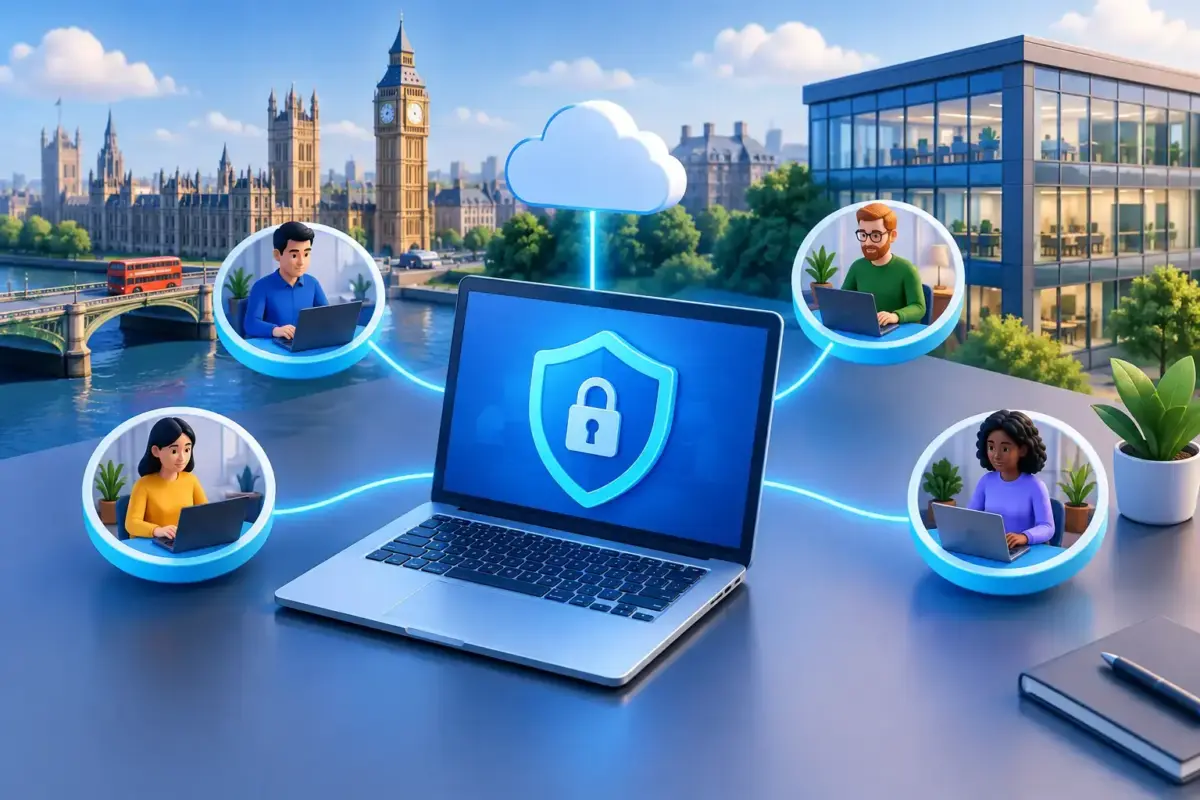
A director approving a supplier invoice from home, a colleague checking Microsoft 365 on a mobile, or an engineer connecting to a server after hours: each task can be necessary for the business to keep moving. It also creates a route into valuable systems and data. Effective remote access security lets people work where they need to, without leaving leaders to worry that one lost password or unmanaged laptop could become a serious incident.
For UK small and medium-sized businesses, the challenge is rarely a lack of security products. It is making sure the right protections work together, are properly managed and do not make everyday work unnecessarily difficult. The aim is practical control: knowing who can access what, from which device, and what happens if something goes wrong.
Where remote access security breaks down
Remote working is not limited to employees permanently based at home. It includes travelling staff, temporary workers, external IT support, directors using personal mobiles and team members accessing cloud applications outside normal hours. Every connection may be legitimate, but it should not automatically be trusted.
Weak or reused credentials
Stolen credentials remain one of the simplest ways for criminals to enter a business. A convincing phishing email can capture a Microsoft 365 password in minutes, particularly if a member of staff is under pressure or believes they are responding to a genuine request.
If that password is reused elsewhere, exposed in an old breach, or not protected by multi-factor authentication, an attacker may be able to read email, reset other passwords, request payments or move through connected systems. Business email compromise often begins this way, and the financial and reputational damage can be significant.
Devices outside the office
An office network is generally easier to control. Devices used remotely may be on home broadband, public Wi-Fi or mobile data, and may not receive updates as reliably as company equipment. A laptop without current security updates, endpoint protection or disk encryption can expose business information if it is compromised, lost or stolen.
Personal devices deserve particular care. They can be suitable for limited access in some organisations, but only where clear rules and technical controls are in place. Allowing unrestricted access from any device is convenient until it becomes impossible to confirm where sensitive data has been saved.
Too much access for too long
Remote access should reflect a person’s role, not simply their employment status. A finance administrator does not need the same access as a director, and a third-party supplier should not retain an active account after a project has finished.
Excessive permissions increase the impact of a compromised account. They can also create compliance concerns for professional services firms and regulated organisations handling client, financial or personal data. Good access control is about reducing unnecessary exposure, not making people ask permission for every routine task.
The controls that make remote access safer
There is no single setting that delivers effective remote access security. Protection comes from layers that support one another, with a clear process behind them. The following measures are a sensible foundation for most businesses.
- Multi-factor authentication adds a second check when someone signs in. It is one of the strongest defences against password theft, especially for Microsoft 365, remote desktop tools, finance systems and administrator accounts.
- Managed devices ensure laptops and mobiles have current updates, endpoint protection, encryption and the ability to be locked or wiped if they are lost. This gives the business more control without relying on staff to remember every technical task.
- Conditional access policies can require a compliant device, a trusted location or extra verification before allowing access to sensitive applications. They help stop risky sign-ins without blocking normal work unnecessarily.
- Least-privilege access limits users to the files, systems and administration rights they genuinely need. Privileged accounts should be separately controlled and used only for administrative work.
- Monitoring, backup and recovery provide a safety net. Sign-in alerts can highlight unusual activity, while protected backups help the business recover if ransomware, accidental deletion or account compromise affects cloud or on-premises data.
The detail depends on how your organisation operates. A logistics business with staff using shared devices and working around the clock will have different requirements from a legal practice where confidential documents are accessed by a smaller group. The principle remains the same: access should be intentional, visible and recoverable.
Remote access security is also a people issue
Technical controls reduce opportunity, but people still make decisions at the point of attack. Criminals know this. They create fake Microsoft alerts, imitate senior colleagues and use urgent payment requests because these tactics exploit normal working pressures.
Short, relevant training is more useful than a once-a-year presentation filled with jargon. Staff should know how to recognise suspicious sign-in prompts, report a phishing email, use a password manager and respond if a device is lost. They should also feel able to pause and ask for help without embarrassment.
This matters most for colleagues with access to finance, client records, HR information or administrative systems. A tailored phishing awareness programme can focus on the situations they actually face, rather than generic examples that are easy to dismiss. The result is a more alert team and fewer avoidable incidents.
Make protection fit the way your business works
Security controls fail when they are introduced without considering operational reality. If multi-factor authentication is difficult for a warehouse supervisor moving between shifts, they may look for workarounds. If a director cannot access a critical document while travelling, they may send it to a personal email account. Neither response is careless by design; both are signs that the process needs improving.
Start by mapping the services your people access remotely, the information held in each one and the roles that need access. Include less obvious systems such as remote support software, online accounting, document-sharing platforms, printers, network equipment and backup consoles. These are often overlooked, yet they can offer a direct route into the business.
Then agree sensible rules. For example, company-managed laptops may be required for access to sensitive client files, while mobile access is allowed only through approved applications. External support accounts may be time-limited, and finance approvals may need an additional verification step. Clear rules make it easier for staff to do the right thing and for managers to spot exceptions.
Who should manage remote access?
Some technically capable businesses prefer to manage access policies, devices and alerts internally. This can work well where there is enough expertise and time to review alerts, maintain documentation and respond quickly when a staff member leaves or a device is missing.
For many smaller organisations, however, security administration competes with customer service, operations and growth. In that case, managed support can remove a considerable burden. A specialist team can help configure security policies, monitor risks, manage user changes and provide a real person to call when something does not look right.
There is also a middle ground. A business may manage its everyday IT while bringing in professional support for a security review, Microsoft 365 hardening project, incident response planning or backup test. What matters is clear accountability. Someone must own the routine checks, access reviews and response process rather than assuming they are being handled.
Test the response before it is needed
Remote access security is not complete because the controls have been switched on. Test what happens when a colleague reports a suspicious sign-in, loses a laptop or leaves the business unexpectedly. Can access be removed promptly? Can the device be secured? Does the team know who decides whether clients, insurers or regulators need to be informed?
Regular access reviews are equally valuable. Remove dormant accounts, check administrator rights, confirm that multi-factor authentication remains enforced and review whether old suppliers still have a reason to connect. These tasks are not glamorous, but they close the gaps that attackers look for.
The best arrangement is one that gives your people the freedom to work productively while keeping the business in control. Put clear protections in place, make them straightforward to use and ensure expert help is available when the pressure is on. That is one less thing to worry about while you focus on running the business.