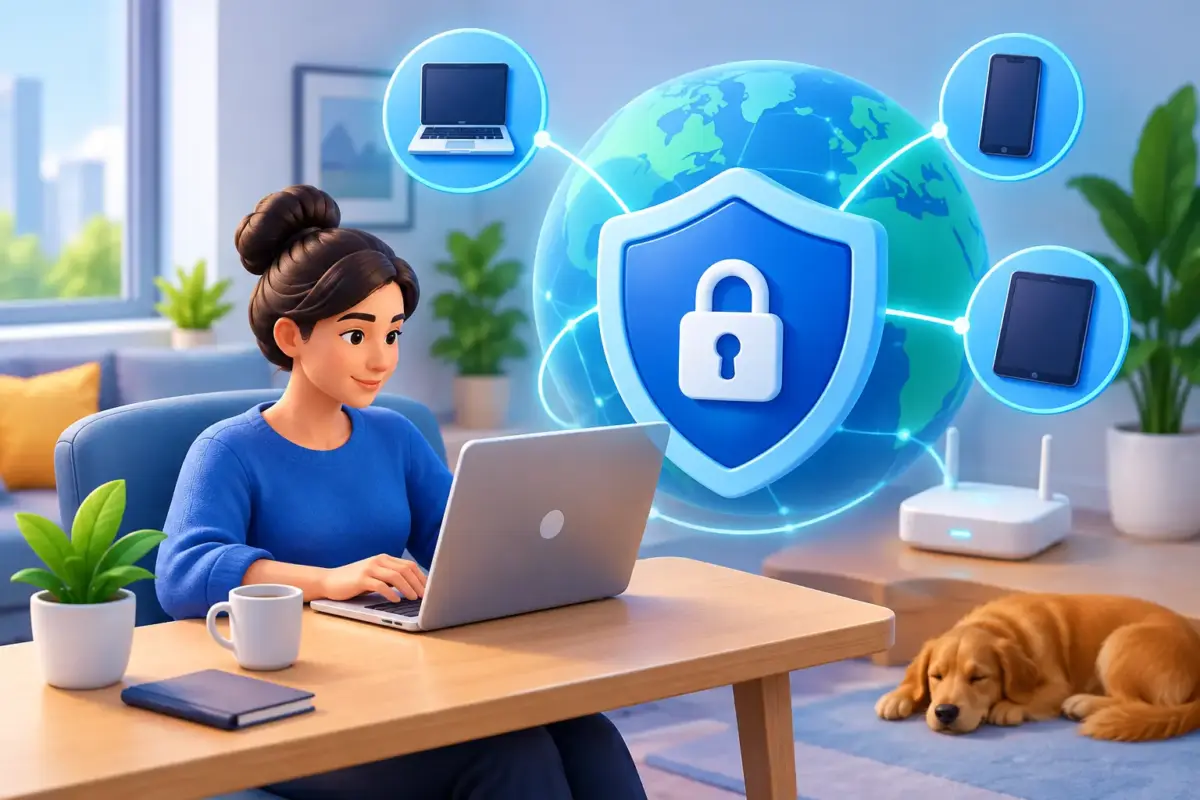
A remote employee’s laptop can now be the route into your business, your Microsoft 365 accounts and the confidential information your clients trust you to hold. That is why endpoint protection for remote workers needs to be treated as a business continuity measure, not simply another piece of software.
For many UK SMEs, flexible working is no longer a temporary arrangement. People work from home, client sites, shared offices and while travelling between locations. The convenience is clear, but it also means company devices operate beyond the protections of the office network. A phishing email opened on an unmanaged laptop or a stolen password used from a home broadband connection can create a serious operational problem very quickly.
The aim is not to make remote staff feel watched or make everyday work difficult. It is to give them secure, reliable tools and give business leaders confidence that an incident on one device will not put the wider organisation at risk.
Why remote endpoints need extra attention
An endpoint is any device that connects to your business systems: laptops, desktop PCs, mobile phones and tablets. In practice, laptops are usually the main concern for remote teams because they hold files, access cloud platforms and are regularly used for email, web browsing and video calls.
In an office, devices may sit behind centrally managed internet controls and benefit from colleagues being nearby when something looks suspicious. At home or on the road, those safeguards are less consistent. Staff may use domestic Wi-Fi, connect through public networks, work without immediate IT support or switch between personal and business accounts during the day.
Cybercriminals understand this. They do not need to defeat every security control if they can persuade one person to enter their Microsoft 365 credentials into a convincing fake sign-in page. From there, they may attempt business email compromise, search for sensitive documents, contact suppliers or deploy ransomware.
The financial impact is not limited to recovery costs. A disrupted practice, logistics operation or professional services firm can lose billable time, miss service commitments and face difficult conversations with customers. Where personal, financial or regulated data is involved, there may also be reporting and contractual responsibilities to manage.
What effective endpoint protection for remote workers includes
Good protection is layered. Antivirus alone remains useful, but it is not enough to handle the way modern attacks work. A sensible approach combines preventative controls, visibility and practical support when a device or user needs attention.
Protection that detects more than known viruses
Modern endpoint protection should identify suspicious behaviour as well as known malicious files. For example, it should be able to spot unusual attempts to encrypt large numbers of documents, unauthorised software activity or a process trying to access credentials. This gives the business a better chance of stopping ransomware before it spreads or causes widespread file loss.
It should also be centrally managed. If each employee is responsible for updates, scans and settings, standards will quickly vary. Central management allows security policies and updates to reach devices wherever staff are working. It also provides a clear view of whether a laptop is protected, out of date or showing signs of compromise.
Secure access to business accounts and data
A protected device is only part of the picture. Remote workers also need secure access to email, cloud storage and line-of-business systems. Multi-factor authentication should be standard for important accounts, particularly Microsoft 365, remote access tools and finance platforms.
Strong credential management matters too. Reused or weak passwords turn a breach at one service into a wider business risk. A managed password solution can help staff create and use unique passwords without relying on insecure spreadsheets, notebooks or memory.
Access should match the person’s role. Not everyone needs access to every shared folder, finance system or customer record. Applying least-privilege access reduces the potential damage if an account is compromised. It can take more planning at the outset, but it is far easier than trying to establish what an attacker could access after the event.
Web and email controls that reduce exposure
Most remote attacks begin with a message or a web page. Email protection can filter malicious messages before they reach users, while browsing protection can prevent devices from connecting to known harmful sites. Neither is perfect, which is why staff education remains essential, but both reduce the number of dangerous decisions employees are asked to make.
This is especially valuable for busy teams. A member of staff processing supplier invoices or responding to client requests may have little time to inspect every message in detail. Well-configured controls provide a useful safety net without holding up legitimate work.
Backup that can support recovery
Endpoint protection reduces the likelihood of an incident. Backup helps the business recover when prevention is not enough. Remote workers may keep working files locally, synchronise folders incorrectly or unknowingly overwrite important documents. Cloud platforms also need their own backup strategy, as retention settings are not the same as a fully managed recovery plan.
Backups should be protected from alteration, tested regularly and aligned with the systems your teams depend on. The right recovery target differs between organisations. A small consultancy may need priority access to Microsoft 365 mailboxes and client files, while an operational business may need critical applications restored within a defined timeframe. The key question is not whether you have a backup, but whether it can restore the work you need when you need it.
The human element cannot be outsourced to software
Remote working can make people feel isolated when they are unsure about an email, a login prompt or an unexpected call. If the only response is a policy document, employees may either ignore the concern or make a hurried decision.
Training should be short, relevant and repeated. Show staff what current phishing attempts look like, explain why multi-factor prompts must never be approved unexpectedly, and make it clear how to report a concern. A culture where employees can ask for help without embarrassment is one of the most effective security controls a business can build.
It also helps to establish simple working expectations. Company devices should be used for company work, software should not be installed without approval, and suspected loss or theft should be reported immediately. These are straightforward principles, but they become meaningful only when staff understand the reason behind them and know support is available.
Choosing the right level of management
The best model depends on your in-house capability, the sensitivity of your data and how much time leadership can realistically give to technology administration. A technically confident organisation may prefer self-managed tools with clear guidance and escalation support. Others benefit more from a managed service where monitoring, policy management and response are handled by an experienced team.
There is a trade-off. Self-management can offer more direct control and may suit a business with dedicated IT resource. It also requires someone to review alerts, maintain policies and keep pace with changing threats. Fully managed protection reduces that workload, but it relies on a provider that communicates clearly, understands your priorities and gives you access to real people when something needs attention.
For organisations with a specific challenge, such as bringing personal devices under control, improving Microsoft 365 security or responding to an incident, a focused professional services engagement can be the sensible starting point. The right answer does not have to be the most complex package. It needs to be appropriate for the way your people work and the consequences your business would face if systems became unavailable.
Make security part of a workable remote policy
Technology is most effective when it supports a clear, realistic remote-working policy. The policy should cover who can use business devices, how access is approved, what happens when someone leaves, where data can be stored and how incidents are reported. Keep it readable. A policy that employees cannot apply during a busy working day will not deliver much protection.
Review it when your business changes. New software, a move to hybrid working, growth into new locations or tighter customer requirements can all alter the risk profile. Regular reviews also provide an opportunity to remove old accounts, replace ageing devices and check that former employees no longer have access.
MSnet helps businesses combine managed security controls with practical staff guidance, so remote working does not become another source of pressure for owners and operational leaders. The objective is simple: employees can work productively wherever they are, while the business has a clear plan, responsive support and one less thing to worry about.
A secure remote workforce is built through steady, practical decisions rather than a single purchase. Start with the devices and accounts that matter most, make it easy for staff to do the right thing, and ensure help is available before a small concern becomes a business interruption.