A director receives an email supposedly from a major supplier, asking for revised bank details. At the same time, a member of staff cannot access Microsoft 365, and the person who normally “looks after IT” is on holiday. These are not separate inconveniences. They are the moments when IT outsourcing either proves its value or exposes a gap in how a business is supported.
For many UK small and medium-sized businesses, technology is now tied directly to revenue, customer confidence and compliance. Systems need to work, data needs to be protected and people need a real person to call when something goes wrong. The question is not whether your organisation needs IT expertise. It is whether employing, managing and retaining all of that expertise in-house is the best use of your time and budget.
What IT outsourcing should mean for your business
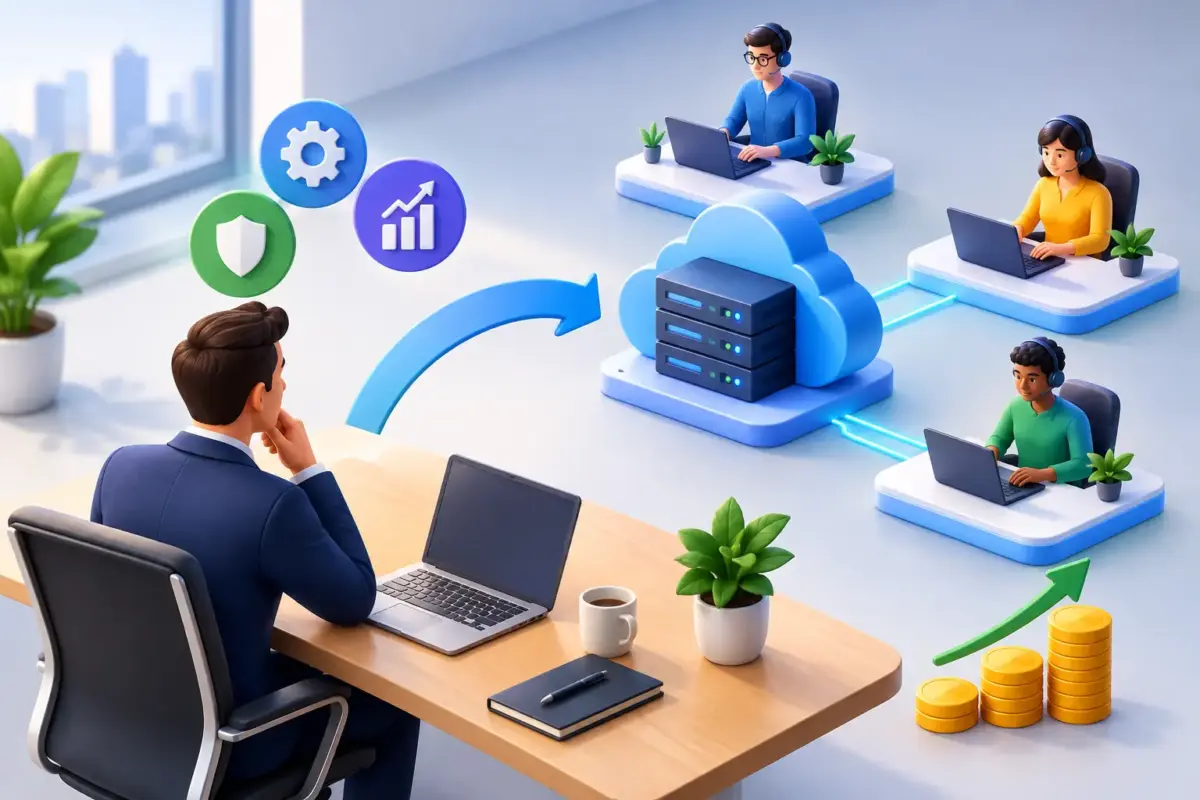
IT outsourcing is the use of an external technology partner to take responsibility for agreed parts of your IT environment. That could range from day-to-day helpdesk support and device management to cybersecurity monitoring, cloud backup, Microsoft 365 protection or a one-off infrastructure project.
It should not mean handing over the keys and hoping for the best. A good provider works as an extension of your business: understanding how your team works, explaining risks in plain English and taking clear ownership of the areas it manages. You remain accountable for business decisions, but you are no longer expected to be the expert in every technical detail.
This distinction matters. Buying software is not the same as having a plan for configuring it, monitoring it, keeping it up to date and helping staff use it safely. Most successful outsourced arrangements combine the right technology with responsive support, sensible processes and guidance for the people who use the systems every day.
When outsourced IT is the right choice
Outsourcing is often a practical fit when a business has become too dependent on one technically capable employee, an informal IT contact or a collection of suppliers with unclear responsibilities. It can also make sense when growth, remote working or client requirements have made the existing approach difficult to manage.
For example, a professional services firm may need confidence that confidential client information is protected, backed up and recoverable. A logistics business may need systems available outside standard office hours, because operational delays have an immediate commercial effect. A growing owner-managed company may simply need its leadership team to stop spending Friday afternoons dealing with password resets, new laptops and suspicious emails.
The strongest case for outsourcing is rarely a single crisis. It is the accumulated pressure of small issues, hidden risks and uncertainty about who is responsible when something fails.
Signs that your current arrangement is under strain
There are several common warning signs. Staff wait too long for help, routine changes happen inconsistently, and no one can clearly explain whether backups have been tested. Cybersecurity depends largely on employees spotting phishing emails, yet they have received little practical training. Former staff accounts remain active, devices are not consistently updated, or important systems are supported by a person who is difficult to reach.
None of these problems necessarily means your team has been careless. Smaller businesses frequently grow faster than their IT processes. What worked when ten people shared one office can become risky when fifty people work across home, client and warehouse locations.
The business benefits are broader than technical support
A capable outsourced provider should reduce interruptions, but that is only one part of the value. The larger benefit is predictability. Leaders can see what is being managed, what the risks are and what the ongoing costs look like.
Cybersecurity is a clear example. Endpoint protection, email filtering, secure browsing, credential management and monitoring for exposed information can all reduce the chance of an attack succeeding. Yet technical controls alone cannot prevent every incident. Staff also need to understand how phishing, business email compromise and password theft appear in real working situations.
This is where practical training matters. A short, relevant programme that helps people pause before approving a payment request or entering credentials into a lookalike website can prevent a costly incident. The aim is not to make every employee a security specialist. It is to give them the confidence to recognise when something does not look right and know what to do next.
Reliable backup and recovery provide another important layer of reassurance. Cloud-based working has led many businesses to assume their Microsoft 365 data is automatically protected in every circumstance. Retention, recovery and protection against accidental deletion or malicious activity need to be considered separately. A backup is valuable only if it is suitable for the data you hold and can be restored when you need it.
Outsourcing can also support better budget control. Rather than reacting to unexpected failures, licences, ageing hardware and security gaps one at a time, a business can agree a managed service with defined responsibilities and regular reviews. The exact commercial model varies, but clear scope reduces unpleasant surprises.
What should stay within your organisation
Outsourcing does not remove the need for internal ownership. Your leadership team should still set priorities, approve spending and decide what level of risk is acceptable. Sensitive business decisions, such as who should have access to financial systems or which data must be retained, should remain led by people who understand the organisation.
The right partner brings technical judgement and challenges assumptions where necessary. The business provides context: its clients, operational pressures, contractual commitments and plans for growth. Good decisions come from both sides.
It is also worth recognising that not every organisation needs the same level of managed support. A technically confident internal team may prefer self-managed tools with expert help available for projects or complex issues. A business with no dedicated IT resource may benefit more from a fully managed service and an accessible helpdesk. The appropriate model depends on internal capability, risk exposure and how disruptive downtime would be.
Choosing an IT outsourcing partner carefully
Price matters, but it should not be the only comparison point. A low monthly figure can look attractive until an urgent issue falls outside scope, a cyber incident reveals a missing service, or staff are forced through slow, impersonal support channels at a critical moment.
Ask prospective providers how support actually works. Will your staff speak to experienced people who understand the account, or will every issue start from scratch? What response expectations apply? How are urgent problems escalated? What reporting will leadership receive, and how often will risks be reviewed?
Cybersecurity questions should be equally specific. Find out how devices, email, identities and backups are protected. Ask whether staff awareness training is included and whether recovery arrangements are tested rather than simply assumed. If your business operates in a regulated sector or handles sensitive customer information, discuss your obligations openly. A provider should help you make sensible decisions, not hide behind technical language.
You should also seek clarity about responsibilities. The agreement should explain what the provider manages, what your business must do, how changes are requested and what happens if an incident occurs. Clear boundaries are reassuring because they remove the uncertainty that causes delays during a problem.
A sensible way to make the change
Moving to outsourced support need not mean replacing everything at once. Begin with an honest review of your current environment: users, devices, software, access rights, backups, recurring issues and known risks. This gives both parties a practical starting point and helps identify the most urgent actions.
Many businesses benefit from tackling the basics first. Multi-factor authentication, secure account management, patching, endpoint protection, email security and verified backups address a large share of everyday risk. From there, a longer-term plan can cover hardware replacement, cloud improvements, staff training and business continuity.
The transition should be planned around the organisation, not around the provider’s convenience. Your team needs to know who to contact, what will change and when. Communication is particularly important if new security measures affect how people sign in, share files or work remotely. A little preparation reduces frustration and encourages adoption.
MSnet’s approach is built around this practical balance: technical safeguards, human support and services that match the level of help a business genuinely needs. For leadership teams, that means less time interpreting alerts or chasing suppliers, and more confidence that technology is being looked after.
The best outsourced IT relationship is not one you notice every day. It is the quiet confidence that when a suspicious email arrives, a laptop fails or a client asks how their data is protected, your business has a clear answer and real people ready to help.